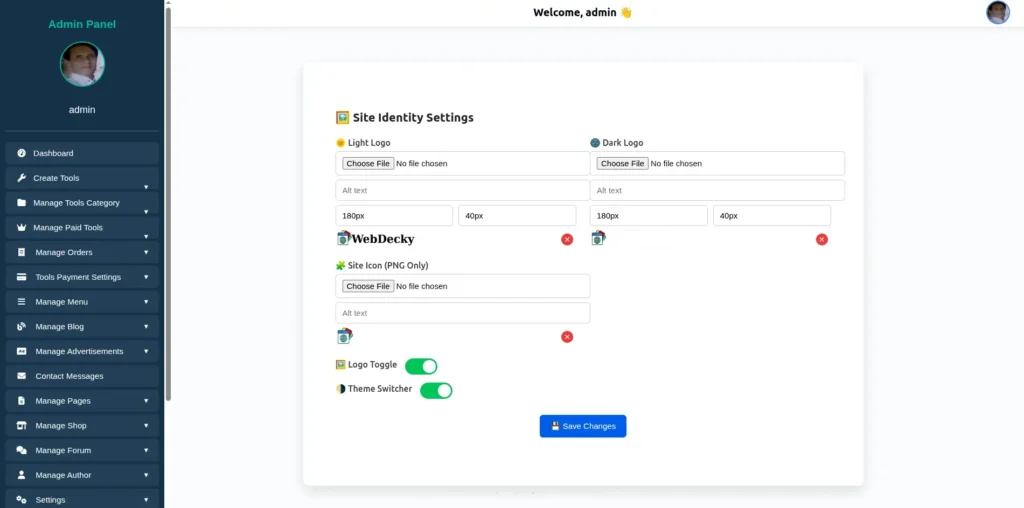
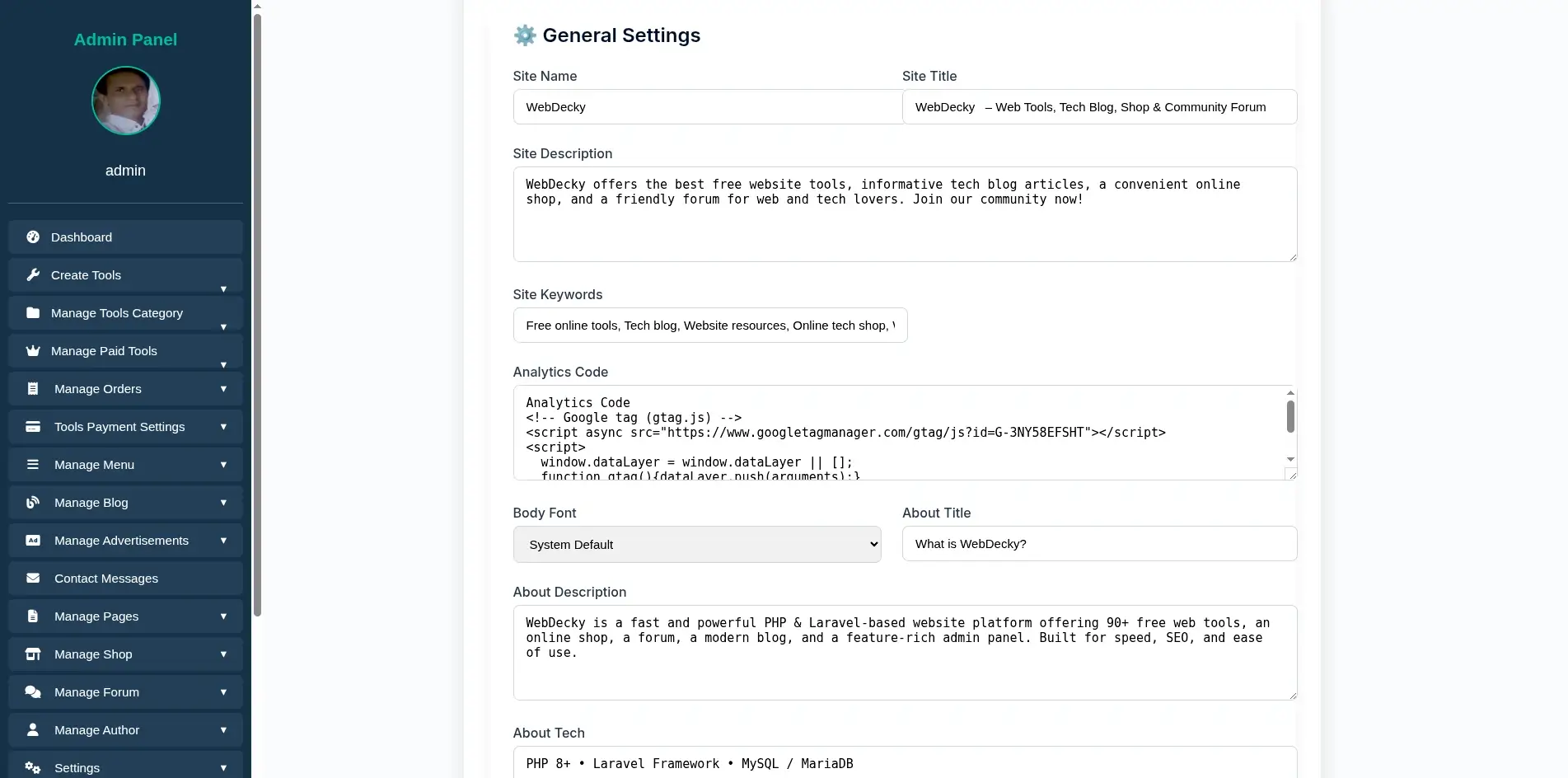
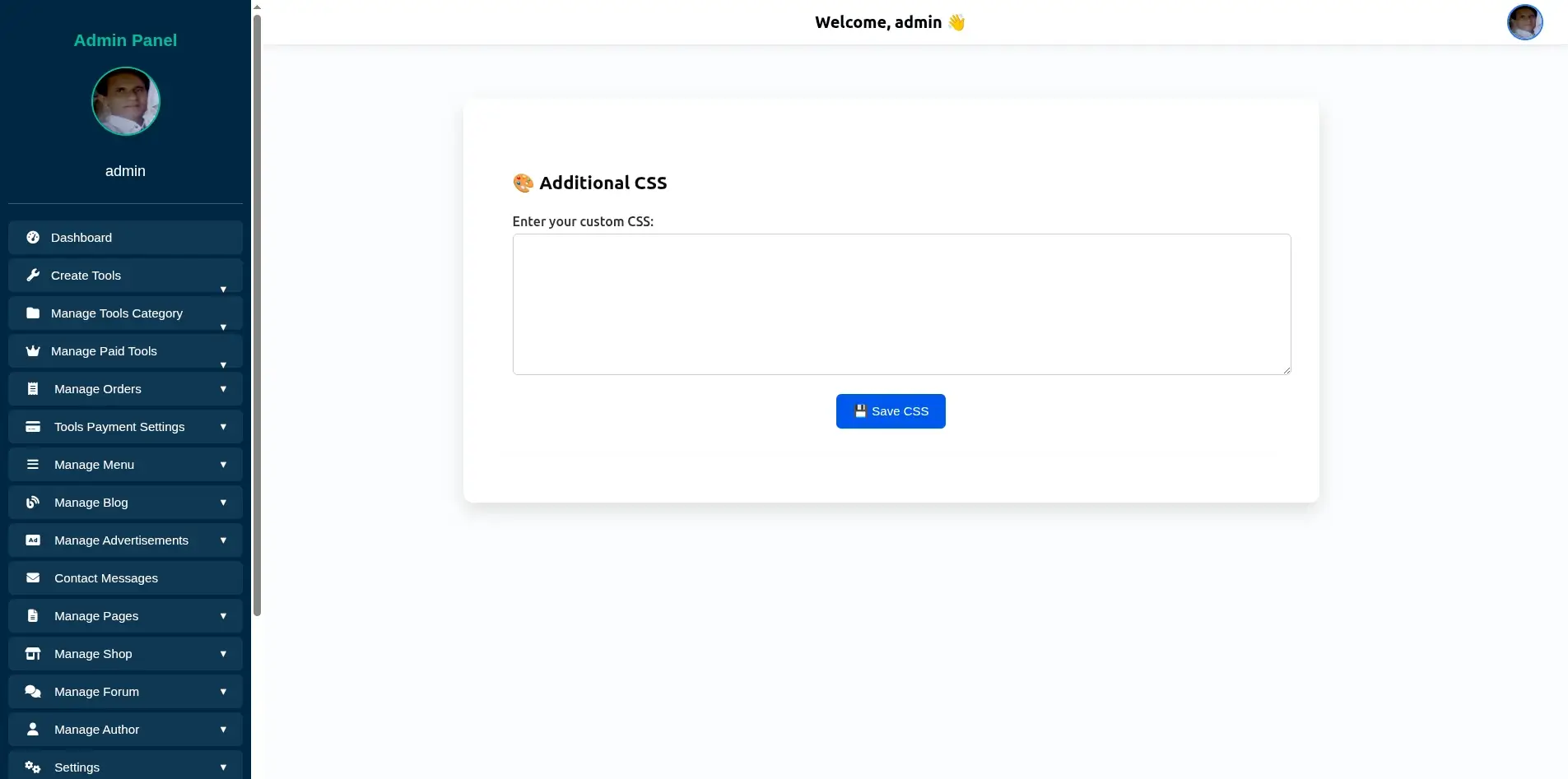
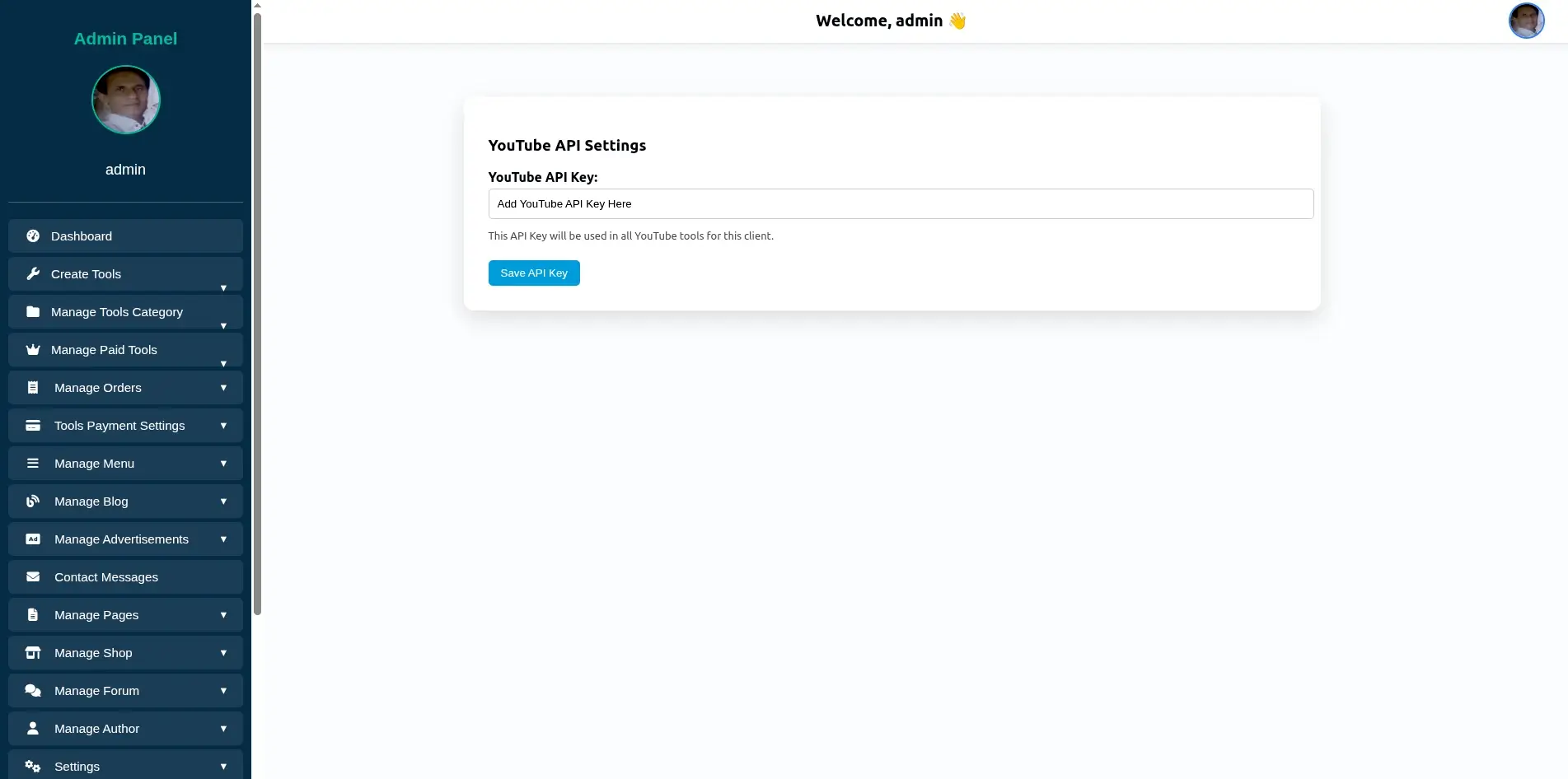
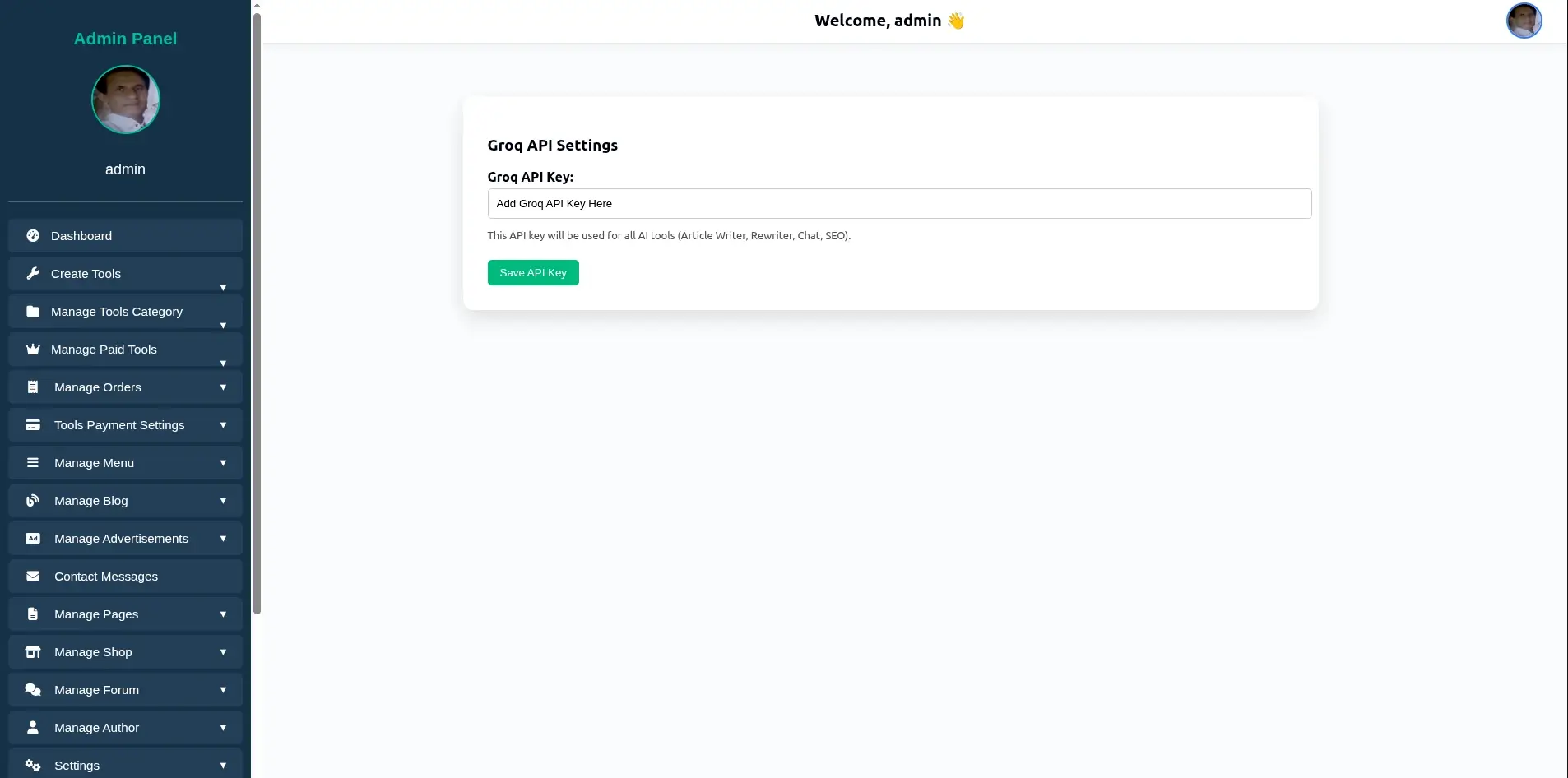
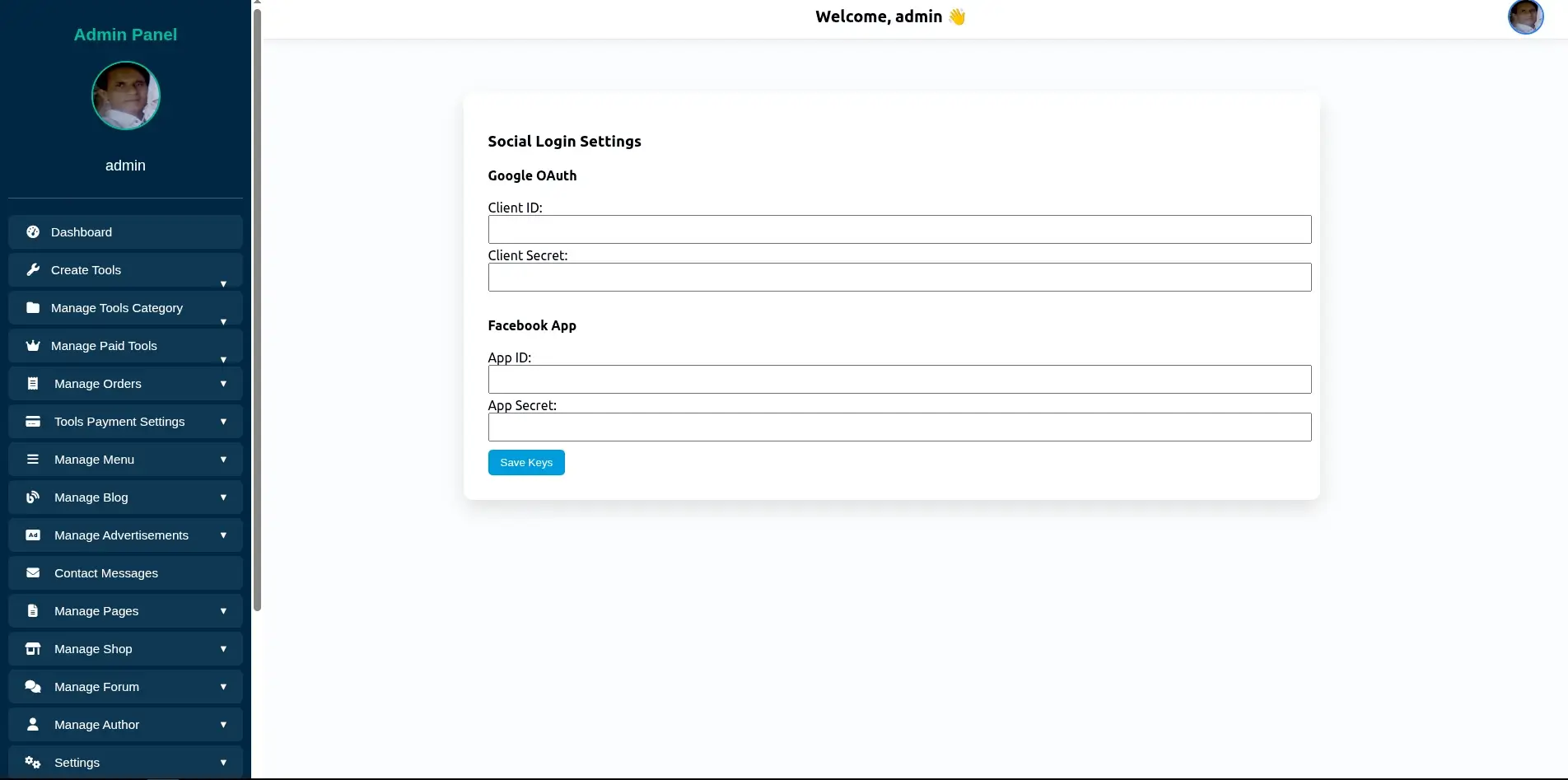
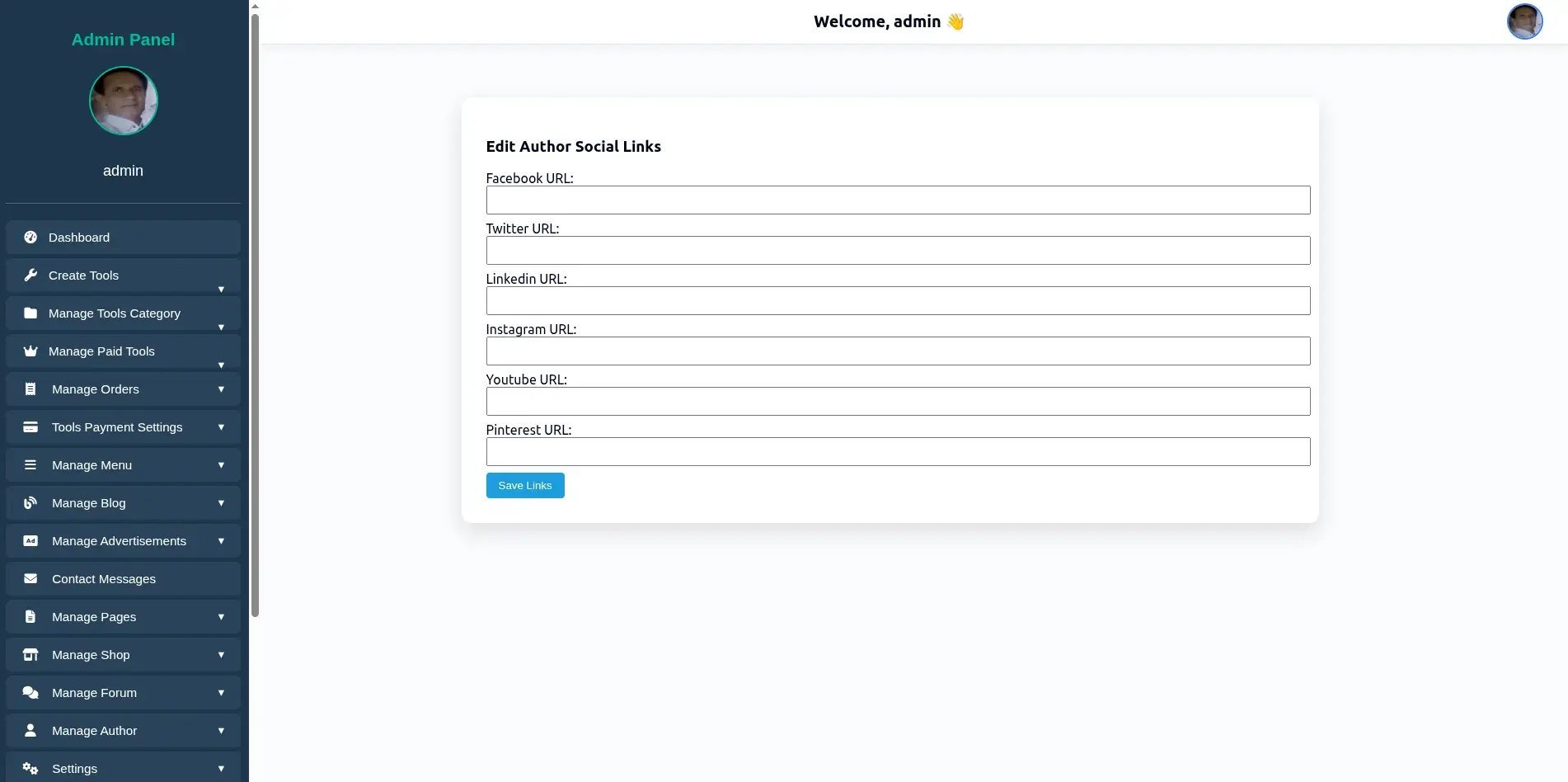
WebDecky comes with a powerful yet beginner-friendly Settings & Configuration panel that allows administrators to fully control the website from a single dashboard — without touching any code. Every essential option is organized, clean, and easy to understand, making WebDecky suitable for both developers and non-technical users.
WebDecky includes built-in email configuration for reliable communication. SMTP host, port, username, and password, support for Gmail, Outlook, Zoho, and custom SMTP, Email sender name and address, Test email functionality. This allows smooth delivery of notifications, contact form messages, and system alerts.
WebDecky’s Settings & Configuration panel gives you complete control over your website, combining flexibility, security, performance, and SEO optimization in one intuitive interface. Whether you are launching a blog, business website, or web application, WebDecky makes setup and management simple, fast, and reliable.